Free Shipping on Top Products!
 Order Tracking







Images
$439.98








Product Details
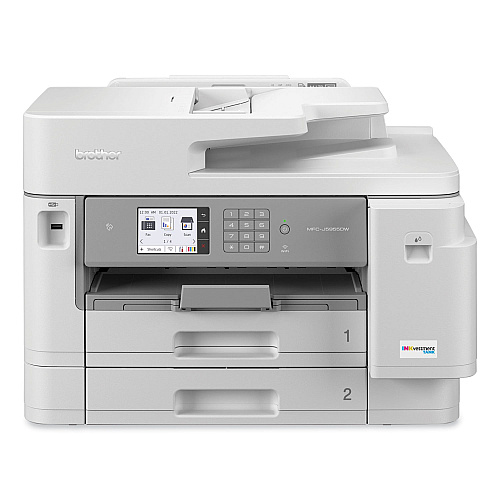
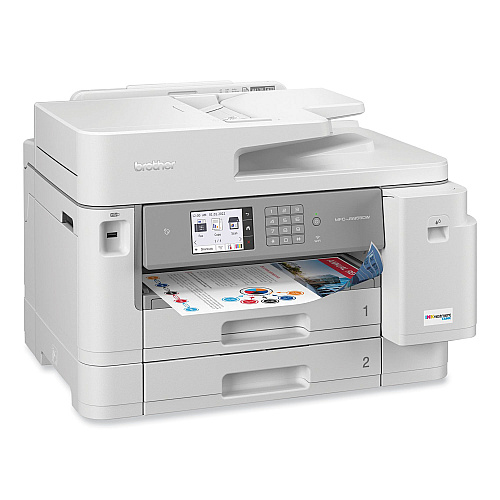
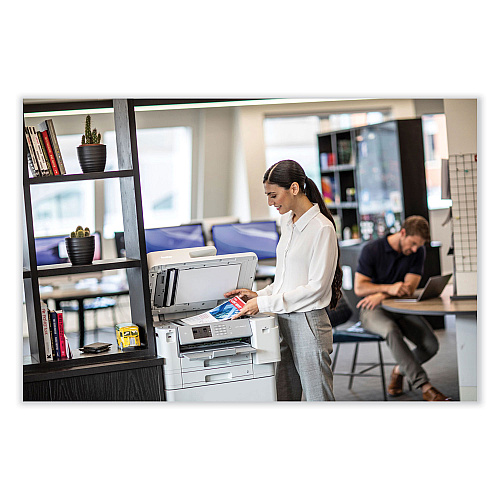
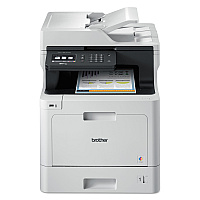
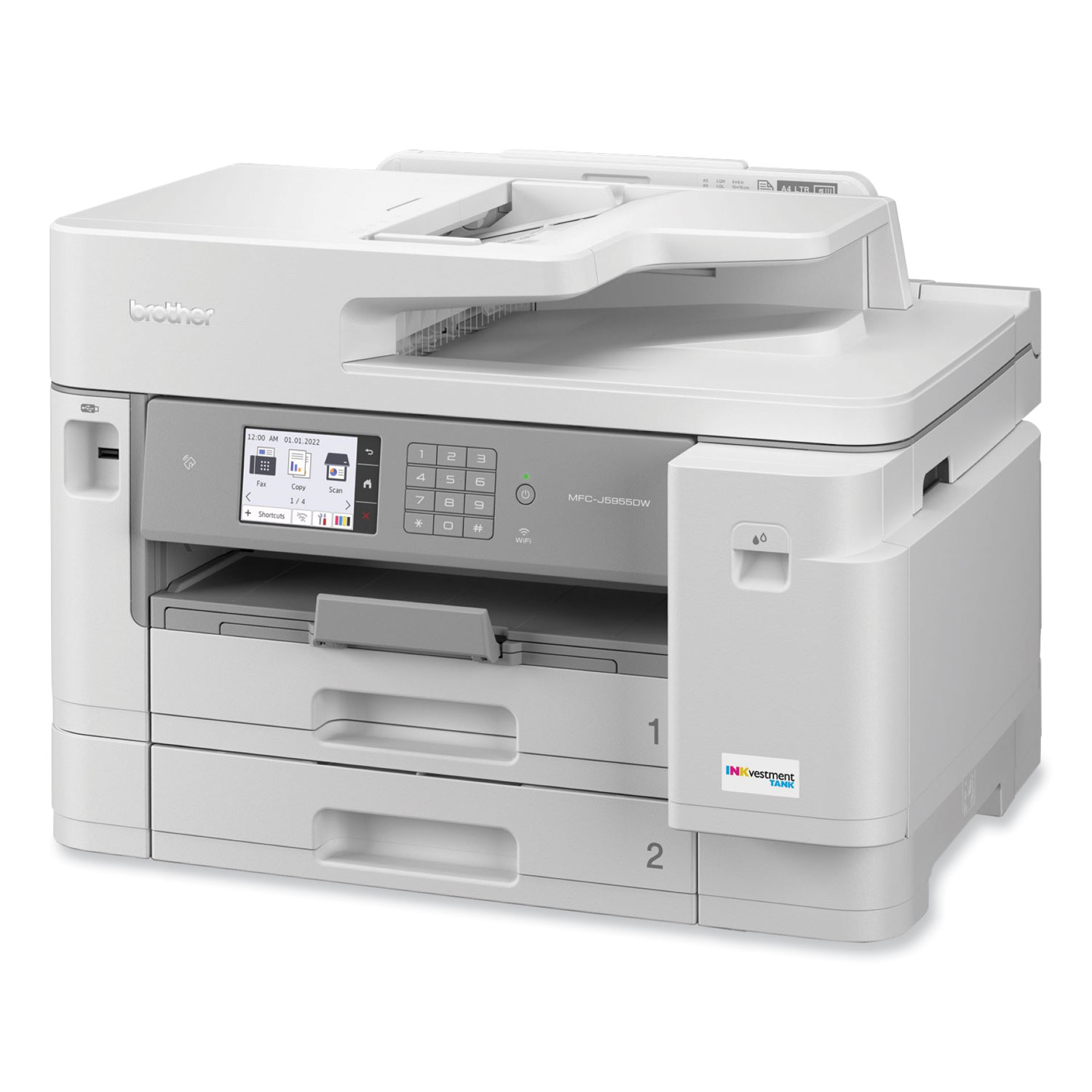
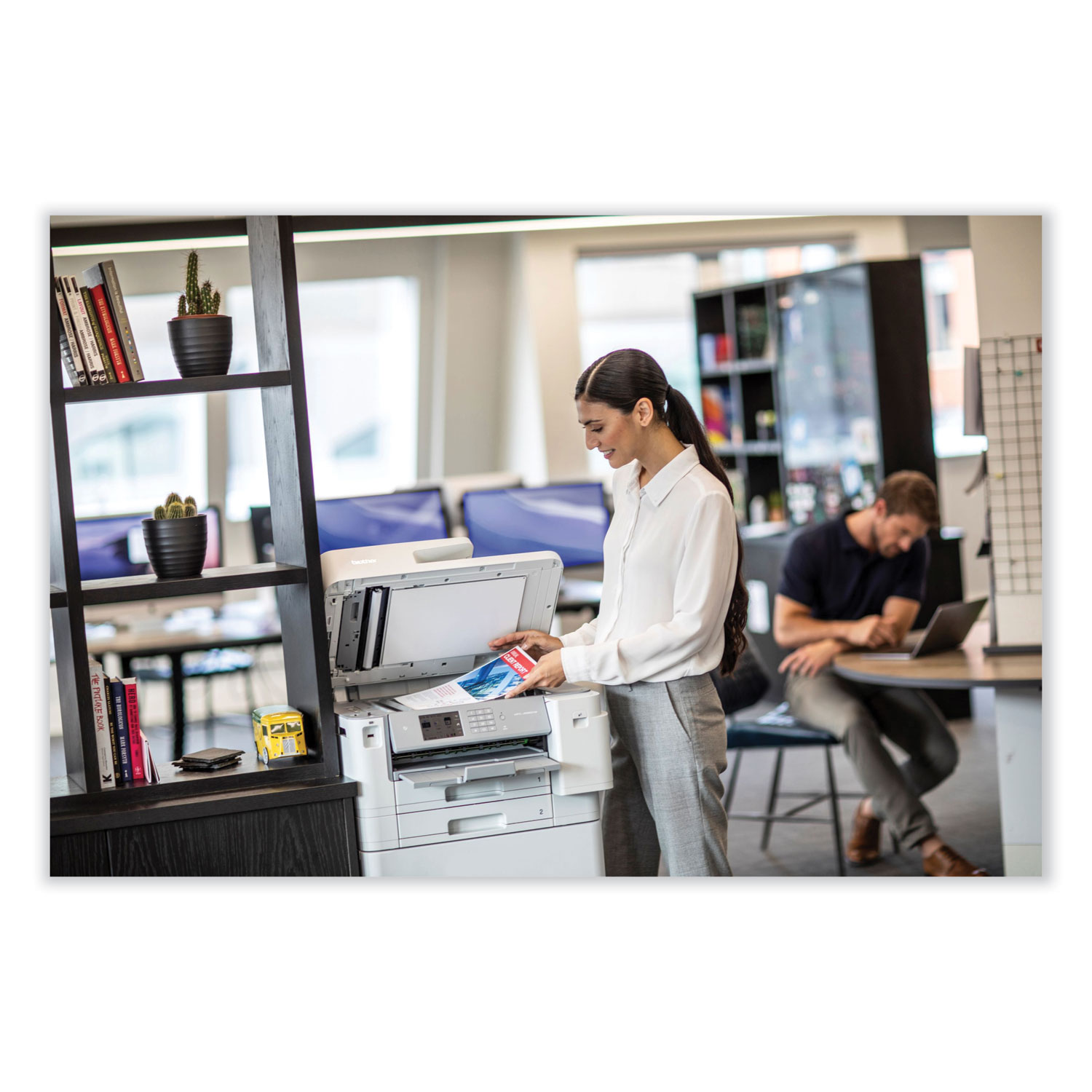
Designed for how work now works, this inkjet all-in-one printer is ideal for today's corporate home offices and small offices.
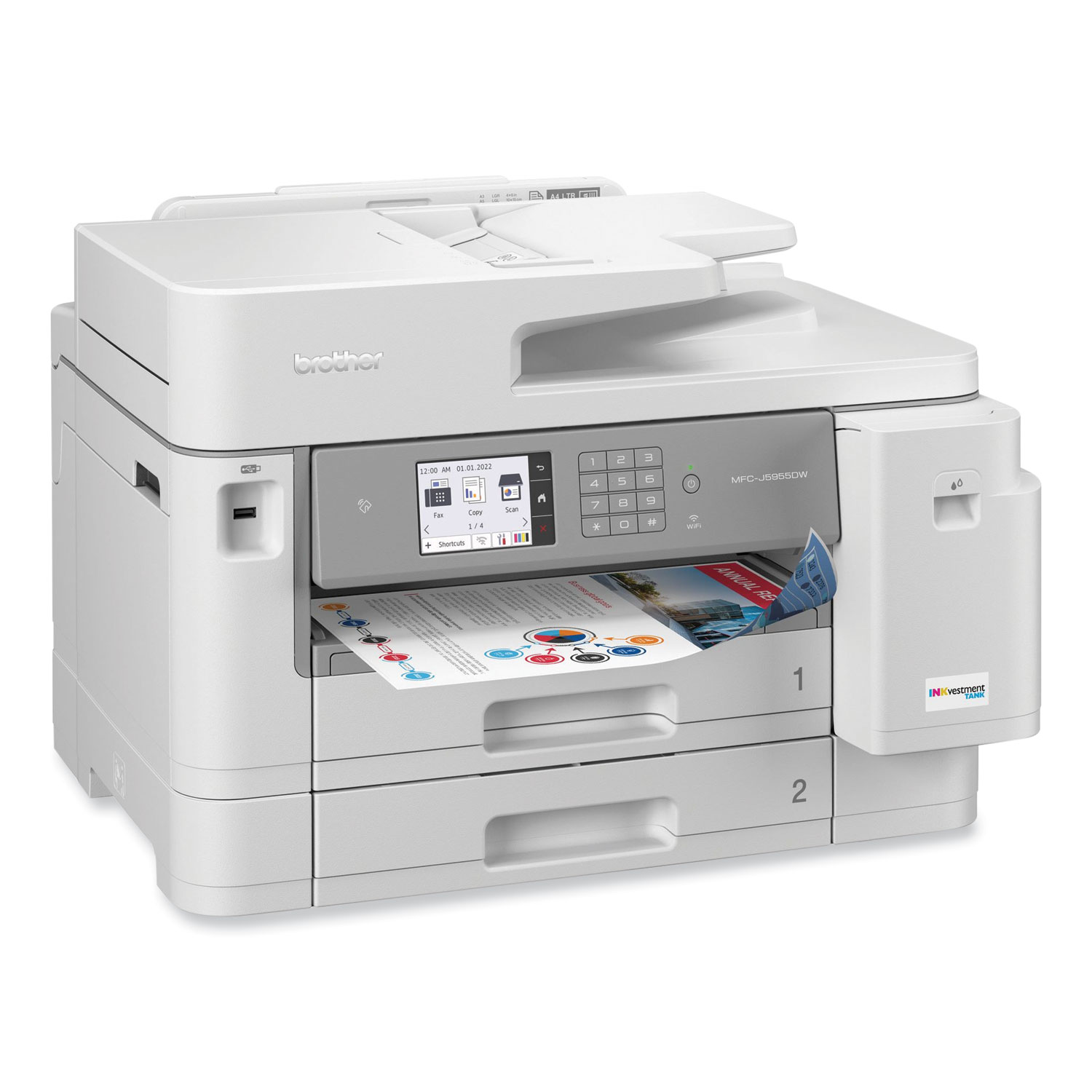
Fast business color output with print speeds up to 30 ppm help boost productivity and ensure fast, professional quality documents.
Includes high-yield starter ink cartridges for built-in value.
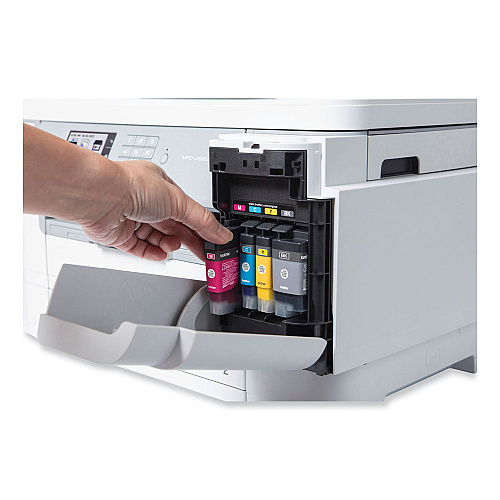
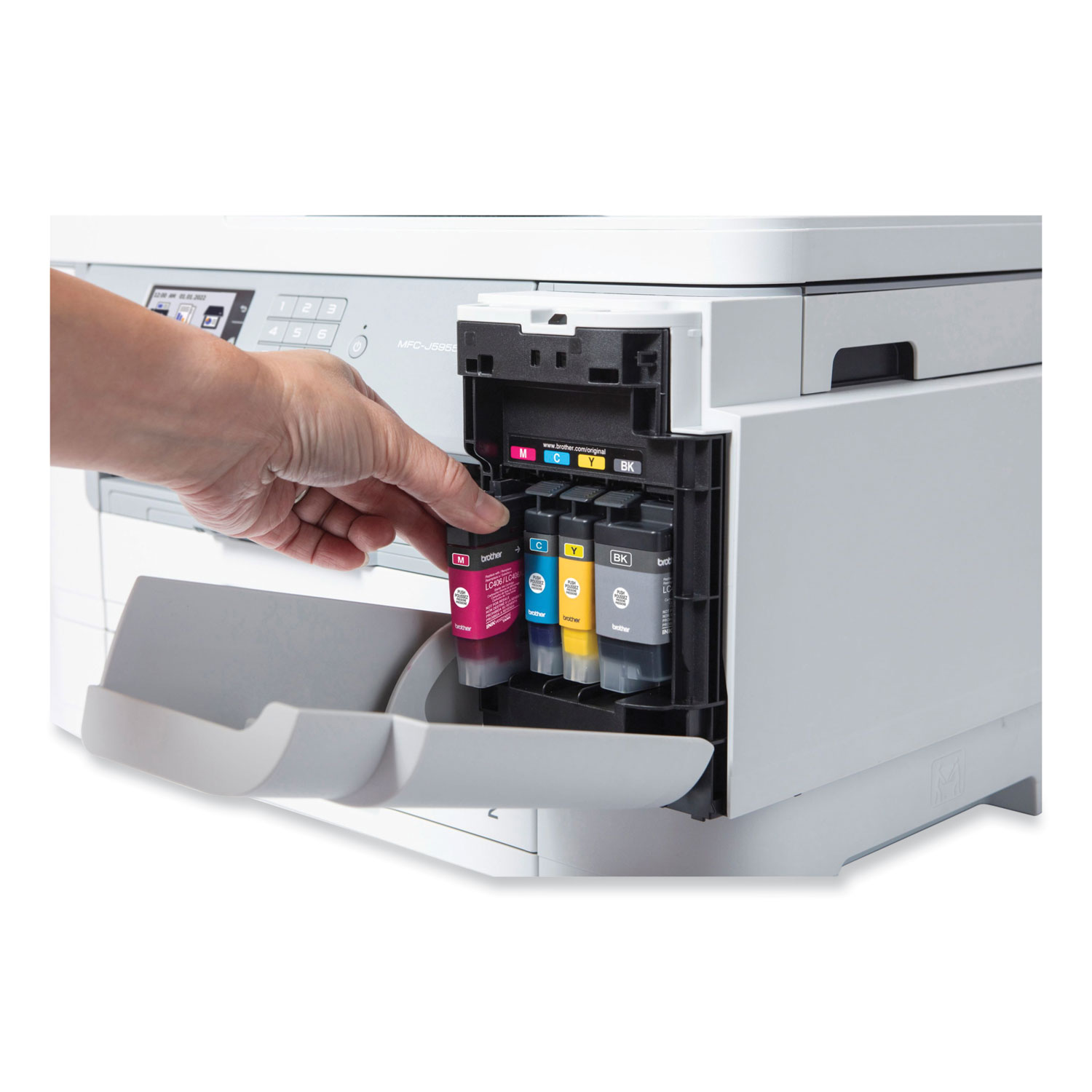
Take cost savings even further with Brother Genuine LC406XL high-yield replacement ink cartridges for 6,000 pages black and 5,000 pages each color.
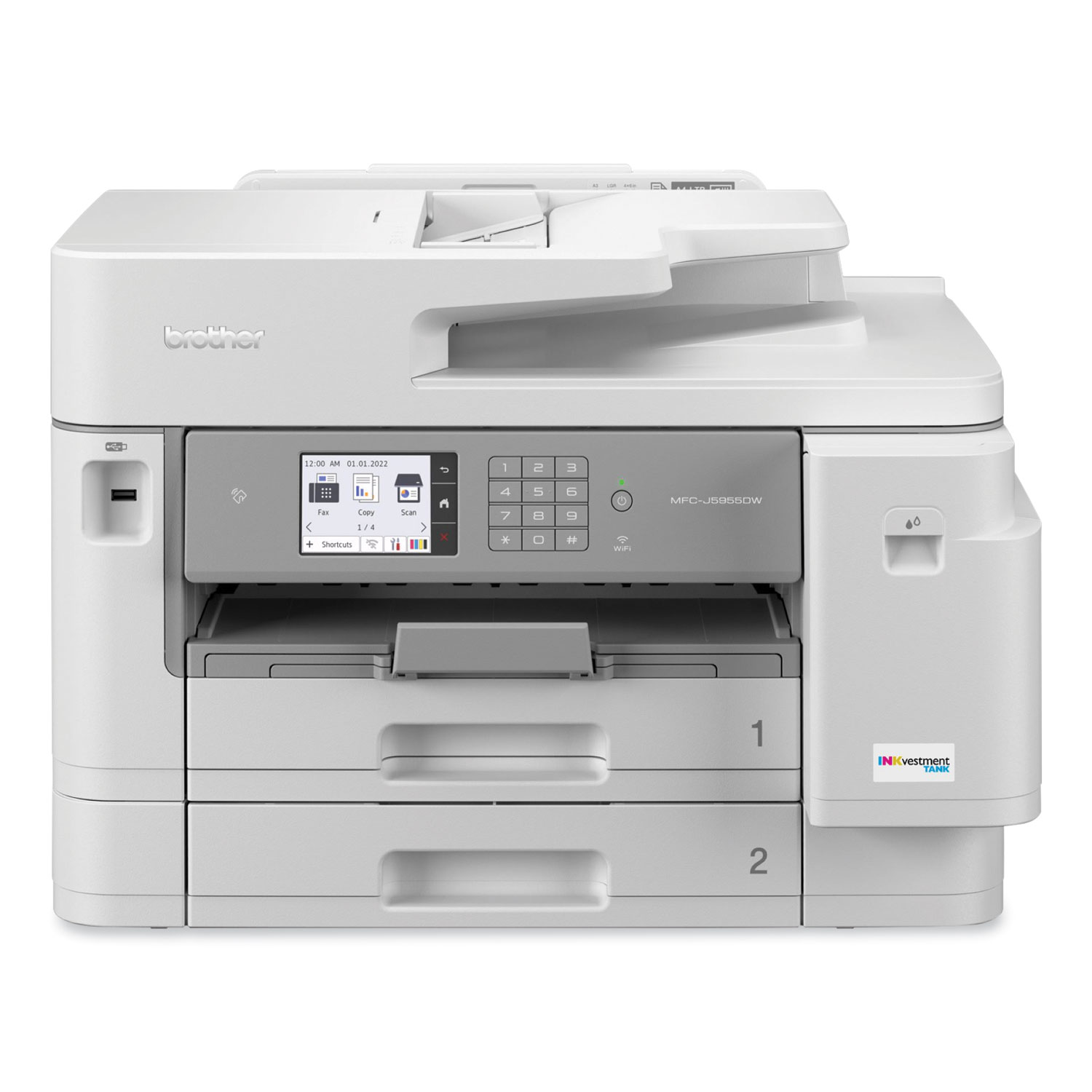
The 3.5" color touchscreen display offers easy menu navigation and creation of up to 18 customized shortcuts for your most frequently used features.
Flexible paper handling prints up to 11" x 17" (Ledger Size) documents.
Reduce paper refills via dual 250-sheet capacity paper trays; equipped with a 100-sheet capacity multipurpose tray to print on envelopes, cardstock, and other specialty papers.
The 50-page capacity auto document feeder scans both sides in a single pass for fast, two-sided scanning and can scan to popular destinations including Cloud services, mobile devices, email, SSH Server (SFTP), and more
Product Details
Designed for how work now works, this inkjet all-in-one printer is ideal for today's corporate home offices and small offices.
Fast business color output with print speeds up to 30 ppm help boost productivity and ensure fast, professional quality documents.
Includes high-yield starter ink cartridges for built-in value.
Take cost savings even further with Brother Genuine LC406XL high-yield replacement ink cartridges for 6,000 pages black and 5,000 pages each color.
The 3.5" color touchscreen display offers easy menu navigation and creation of up to 18 customized shortcuts for your most frequently used features.
Flexible paper handling prints up to 11" x 17" (Ledger Size) documents.
Reduce paper refills via dual 250-sheet capacity paper trays; equipped with a 100-sheet capacity multipurpose tray to print on envelopes, cardstock, and other specialty papers.
The 50-page capacity auto document feeder scans both sides in a single pass for fast, two-sided scanning and can scan to popular destinations including Cloud services, mobile devices, email, SSH Server (SFTP), and more
The Brother MFC-J5955DW Business Color All-in-One Printer Inkjet is an essential component of an optimized fleet for the way work now works: offering efficient performance and reliable, high-quality output that is ideal for today's businesses. Powered by Brother MAXIDRIVE Inkjet Technology, this all-in-one printer features Brother's fastest inkjet print speeds ever: up to 30 ppm. Built for durability and uniform printing, the MFC-J5955DW can handle high-volume color and black-and-white print jobs with ease, as well as business output up to 11" x 17" (Ledger size). High-quality quality color output allows for sharp, high-impact reports, images, brochures, presentations, and other important documents. Ships with high-yield starter ink cartridges for built-in value. Take cost savings even further with Brother Genuine high-yield replacement ink cartridges (LC406XL) for 6,000 pages black and 5,000 pages each color. Equipped with dual 250-sheet capacity paper trays so you can reduce paper refills. User-friendly design allows for easy replacement of ink. Scan to and print from popular Cloud services directly from the 3.5" color touchscreen display. Create customized shortcuts for your most used features to help streamline workflows and save time. Offers Triple Layer Security features to help limit document and device access and protect against network intrusions. The MFC-J5955DW is also easy to set up on your wireless or wired network with built-in dual band wireless (2.4 GHz/5 GHz) and Ethernet network interfaces, as well as the ability to connect via a USB cable to a single computer. Wirelessly print from your desktop, laptop, smartphone, or tablet: perfect for today's remote workforce. Machine Functions: Copy; Fax; Print; Scan; Printing Type: Inkjet; Maximum Print Speed (Black): 30 ppm; Maximum Print Speed (Color): 30 ppm.
(4) High-Yield Starter Ink Cartridges; Quick Setup Guide; Telephone Line Cord
Manufacturer
Categories
MPN
BRTMFCJ5955DW
Model#
MFCJ5955DW
UPC Code
012502665540
UNSPSC Code
1
Accepts Paper Size
Up to 11" x 17"
Auto Document Feed/Sheets
50
Auto Duplexing Functions
Yes
B&W or Color Output
Color
Borderless Printing
No
Compliance Standards
Energy Star Rated
Connector/Port/Interface
Ethernet; USB; Wi-Fi
Copying Speed (Black)
25 ipm
Copying Speed (Color)
16 ipm
Depth
17.2"
Duplex Printing
Yes
Fax Memory (Pages)
150
First Page Out
4.4 s
Global Product Type
Handset
No
Height
14.8"
Individual Ink Cartridges
Yes
LCD Display Format
3.5" Color Touchscreen
Machine Functions
Copy; Fax; Print; Scan
Maximum Copy Size (W x H)
8.5 x 11.7
Maximum Memory
512 MB
Maximum Paper Size
11 x 17
Maximum Print Speed (Black)
30 ppm
Maximum Print Speed (Color)
30 ppm
Model Name/Number
MFC-J5955DW
Monthly Duty Cycle (Pages)
40,000
Network Capable
Yes
Network Ready
Yes
Network Types
10/100Base-TX Ethernet; 802.11a/b/g/n Wireless
One Touch Presets
18
Operating System Compatibility
Linux; Mac OS 10.15.x, v11 and Later; Windows Server 2008, 2008 RS, 7 SP1, 8.1, 10 Education, 10 Enterprise, 10 Home, 10 Pro, Server 2012, 2016, 2019, Universal Print Driver
Paper Input
250 Sheet Tray; 100 Sheet Multipurpose Tray; 50 Sheet Automatic Document Feeder
Paper Input Capacity (Sheets)
250
Post-Consumer Recycled Content Percent
0%
Pre-Consumer Recycled Content Percent
0%
Print Resolution (Black) (Width x Height)
4800 x 1200 dpi
Print Resolution (Color) (Width x Height)
4800 x 1200 dpi
Printing Type
Inkjet
Processor Speed
576 MHz
Reduction/Enlargement Range [Max]
400%
Reduction/Enlargement Range [Min]
25%
Scan Resolution (Width x Height)
2400 x 1200 dpi
Speed Dial Memories
100
Total Recycled Content Percent
0%
Weight
46.3 lbs
Width
21.5"
Wireless Printing
Yes
Package Includes
(4) High-Yield Starter Ink Cartridges; Quick Setup Guide; Telephone Line Cord
LCD Display (Yes/No)
Yes
Product Biodegradability Indicator
N
Product Compostability Indicator
N
Product Biodegradability in Days
0
Assembly Required
No assembly is required
Contains Recycled Materials
N
Green Product
Y
Manufacturer Warranty
Y
Unit of Measure
Each
Item Weight
51.6
Ships via UPS
Y
Carton Pack Quantity
1 Each
This item is sold by the
Each
GTIN Item
012502665540
UPC Retail
012502665540
Brand
Brand Contact
1-800-276-7746
Manufacturer Stock No.
MFCJ5955DW
Country of Origin
PH
UNSPSC Number
43212104
Warranty
Manufacturer's limited one-year warranty.
Manufacturer Brochure
A: Yes, with its robust design and INKvestment Tank technology, the MFC-J5955DW is well-suited for high-volume printing tasks, making it ideal for busy office environments.
A: Yes, the printer supports automatic duplex printing and scanning, which saves time and reduces paper usage.
A: The Brother MFC-J5955DW offers printing, copying, scanning, and faxing capabilities. It includes wireless connectivity, automatic duplex printing, and an INKvestment Tank system for higher ink capacity and reduced cost per page.
A: This model is designed with energy-saving features and uses high-yield ink cartridges to minimize waste, supporting eco-friendly operations.
A: This printer features a 250-sheet capacity paper tray and a 100-sheet multi-purpose tray, accommodating a wide range of media types and sizes.

Officecrave.com is a national retailer of office supplies including office organization supplies, printers, printer supplies and more. We always aim to provide businesses with the most affordable price on the highest-quality items and the Brother MFC-J5955DW Business Color All-in-One Inkjet Printer, Copy/Fax/Print/Scan is no exception.
We work with customers from all industries, including schools, government, medical, accounting, corporate, educational, healthcare, finance, military and private industry.
Everything you see on OfficeCrave.com including the Brother MFC-J5955DW Business Color All-in-One Inkjet Printer, Copy/Fax/Print/Scan are manufactured under ISO 9001 Quality Standards. We also offer a full line of TAA compliant products. Being green is an important part of our business and we are meeting all Green Compliance Standards.

Welcome back! Please enter your details.
or Login with
Login to your secure OfficeCrave.com account below.
or Login with
Register for an account.
or Register with
Register for an account.
or Register with
List Name (Required)
1 Item added to Saved Items
Brother MFC-J5955DW Business Color All-in-One Inkjet Printer, Copy/Fax/Print/Scan

Login To Your Accout
Thank you for your interest in this item.
Please note: Once you receive word that this item is available, it's up to you to act! An email notification guarantees neither inventory nor price. But don't worry: should you miss out on the first shipment, you can always request another notification.
1. Lease. Georgia-Pacific Consumer Products LP ("GP") leases to undersigned ("End User") certain enMotion® dispensers ("Dispensers"). All Dispensers remain GP's property. Lease begins when GP delivers a Dispenser to End User and continues for 5 years, unless terminated as provided herein, and will extend automatically annually thereafter without further charge.
2. Restrictions. End User will only use enMotion® branded refills ("Products") in Dispensers. Use or permitting the use of unauthorized product(s) in a Dispenser is prohibited. End User will only purchase Products from distributors that GP authorizes to sell Products. End User will not (a) in any way alter any Dispenser packaging or labeling; (b) remove or in any way tamper with GP's trademarks on the Dispensers; or (c) affix any other trademark(s), logo(s) or other mark(s) on any Dispensers. GP owns all Dispenser intellectual property rights.
3. Warranty and Repair. Each Dispenser will be free from defects in workmanship and materials under normal use with Products after Dispenser is installed. End User will promptly report to GP via 1-866-HELLOGP: location of the allegedly defective Dispenser, nature of defect, and date of installation. GP disclaims all other warranties with respect to Dispensers, express or implied, including but not limited to any implied warranties of merchantability or fitness for a particular purpose. If GP determines in good faith that defects in workmanship or material exist in any Dispenser, GP will, in its sole discretion, either repair defects, provide replacement parts or replace Dispenser. Except for this warranty, End User is responsible for all other Dispenser maintenance and repair. GP will not be liable for losses, costs or expenses resulting from (a) End User's or any other third party's improper installation, improper use or abuse of Dispensers, or (b) use of non-authorized products. GP will not be liable to End User for indirect, consequential or incidental damages with respect to this limited warranty and remedy; or for any other damages or remedies beyond those provided in this Lease.
4. Termination; Removal of Dispensers. Either party may terminate this Lease without cause by giving at least thirty (30) days written notice to the other party. Either party may immediately terminate this Lease, upon written notice to the other party if such other party: (a) breaches any provision of this Lease and fails to cure such breach within 10 days of receiving written notice of the breach; (b) ceases to carry on, sells or otherwise transfers substantially all of its business or assets; or (c) makes an assignment for the benefit of creditors. Within 30 days after this Lease terminates (or specific Dispenser leases are terminated), End User will either (a) remove all Dispensers and deliver those Dispensers to a place or places designated by GP in the continental United States, or (b) provide GP a list of the Dispensers and locations where they are installed so that GP may remove them and pick them up. If GP terminates the Lease without cause, then GP will pay the reasonable cost of removing and shipping the Dispensers; otherwise, End User is responsible for all such costs. If End User fails to return the Dispensers to GP (or provide information about their location, as the case may be), then GP or its designees may (on reasonable notice, during normal business hours, and at End User's expense) enter the premises where the Dispensers are located and take the Dispensers into its possession without incurring liability to End User. End User will not be entitled to refund of any fees as a result of termination or recovery of Dispensers.
5. General Provisions. End User may assign its rights and obligations under this Lease without GP's prior written consent to a subsequent purchaser of the facility in which the Dispensers are installed if the assignee is provided notice of the terms of this Lease and agrees to be bound by its terms. This Lease will inure to the benefit of and be binding upon respective successors and authorized assigns of the parties hereto. If any provision of this Lease is deemed unenforceable, invalid or illegal by a court of competent jurisdiction, then the validity of the remaining provisions will not be affected and the rights and obligations of GP and End User will be construed and enforced as if the Lease did not contain the particular provision deemed invalid or illegal. End User will only place the Dispensers in its locations within the United States.

your order $99+
Sign up for the best discounts and exclusive offers not advertised anywhere else
your order $99+
Sign up for the best discounts and exclusive offers not advertised anywhere else
 At Checkout
*Get $5 off your order $99+, limit one use per customer, expires in 14 days